

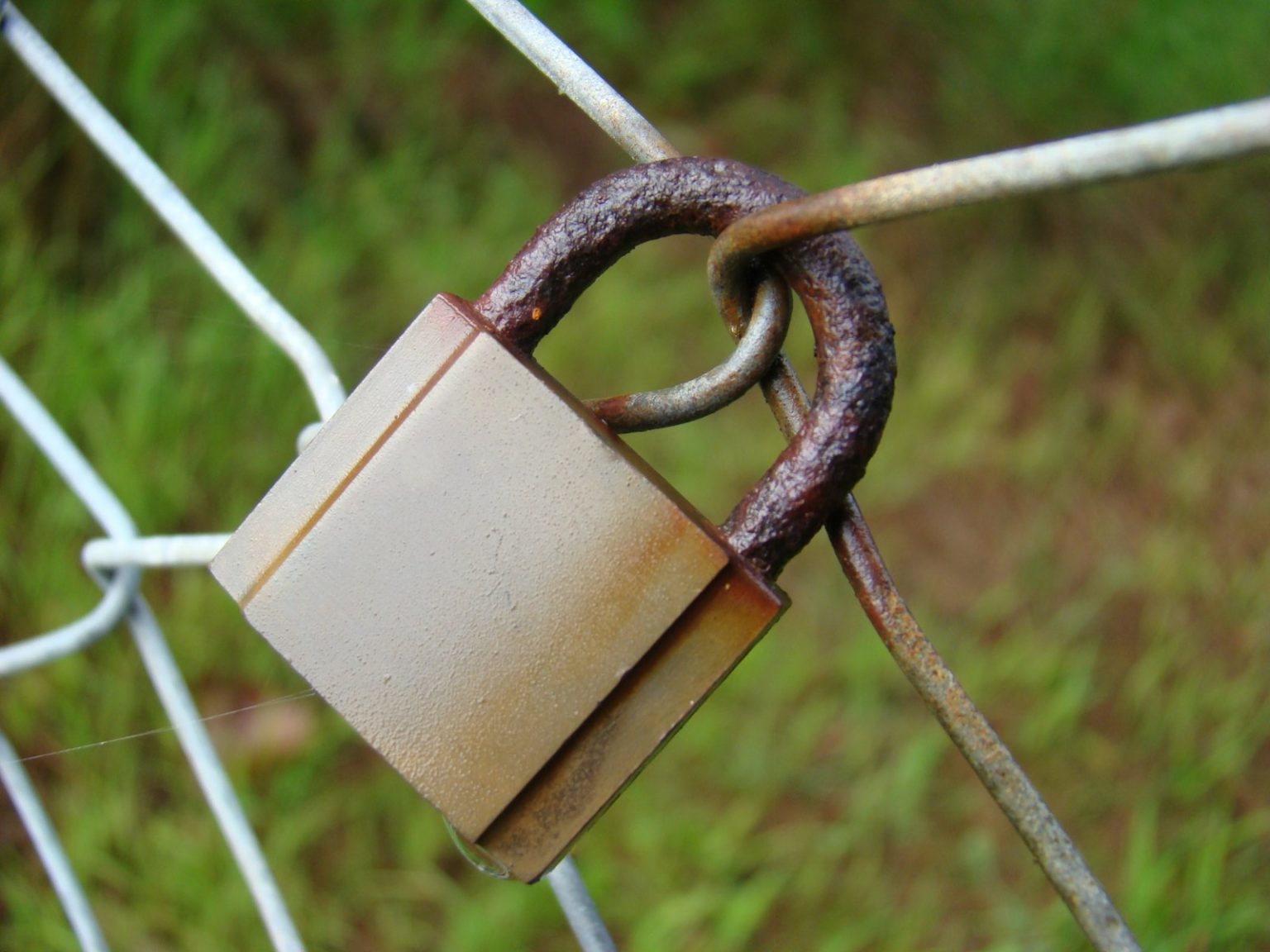
An SSL certificate (Secure Sockets Layer) is the technology that encrypts data transmitted between a visitor’s browser and your website’s server. When a website has a valid SSL certificate, its URL begins with https:// — and most browsers display a padlock icon in the address bar to signal that the connection is secure. Without SSL, the URL begins with http:// and browsers increasingly display “Not Secure” warnings that actively deter visitors.
For a Mornington Peninsula business website in 2026, an SSL certificate is not optional — it’s a baseline requirement. Google confirmed that HTTPS is a ranking signal. Browser warning pages for non-HTTPS sites reduce conversion rates measurably. And for any website that collects any personal information — contact forms, email signups, booking forms — operating without SSL creates a genuine security risk for the people trusting you with their data.
What SSL Actually Does
When a visitor submits a contact form on your website, the data they enter — their name, email address, phone number, the details of their enquiry — is transmitted from their browser to your server. Without SSL, this data travels as plain text that can be intercepted and read by anyone with access to the network traffic between the visitor’s device and your server. With SSL, that same data is encrypted — transformed into unreadable cipher text that can only be decrypted by your server with the correct private key.
For a plumber in Frankston whose contact form collects a name and phone number, the practical interception risk is low. For a healthcare practice collecting patient information, or a financial services business collecting income and asset details, the risk is substantially higher — and the compliance obligations (Privacy Act, AHPRA, ASIC) correspondingly more significant. But regardless of the sensitivity of the data collected, operating a website without SSL in 2026 signals to both Google and visitors that the website is not maintained to current standards.
Free SSL vs Paid SSL
Let’s Encrypt provides free, automatically renewing SSL certificates that are technically equivalent to paid SSL certificates for the majority of use cases. Most quality hosting environments — including the managed WordPress hosting we provide for Click Websites clients — install and auto-renew Let’s Encrypt certificates automatically. There is no meaningful security advantage to a paid SSL certificate for a typical local business website.
Paid SSL certificates (typically $50–$200 per year from commercial providers) offer higher levels of validation (Organisation Validated or Extended Validated certificates) that trigger additional browser trust indicators — the company name appearing in the address bar alongside the padlock. These higher validation levels are relevant for banks, government bodies, and large ecommerce businesses. For a Peninsula local business website, a free Let’s Encrypt certificate is entirely sufficient.
Checking Your SSL Status
Visit your website and check the address bar. If you see a padlock icon and your URL begins with https://, your SSL certificate is in place. If you see “Not Secure” or a broken padlock, your certificate is missing, expired, or misconfigured. SSL Labs (ssllabs.com/ssltest/) provides a free, detailed SSL certificate quality report that identifies any configuration problems beyond simply having a certificate.
Every website hosted by Click Websites includes SSL certificate management as part of the hosting service — auto-renewed automatically, with monitoring that alerts us to any certificate issues before they affect visitors or search rankings. Learn about our hosting service, or get in touch to discuss your website’s current security configuration.
Frequently Asked Questions
Does an SSL certificate affect my Google rankings?
Yes — Google confirmed HTTPS as a ranking signal in 2014 and has consistently reinforced it. The signal is described as a “lightweight” factor — it won’t overcome a significant content or authority deficit — but it contributes, and websites without SSL are at a measurable disadvantage relative to equivalent HTTPS sites. Given that free SSL certificates are available and straightforward to install, there’s no reason for any Peninsula business website to be operating without one.
What happens if my SSL certificate expires?
Browsers immediately display a warning page to visitors attempting to access the site — “Your connection is not private” or “This site is not secure” — which most visitors will exit without proceeding. The HTTPS ranking signal is also lost while the certificate is expired. Certificate expiry typically happens when a manually managed certificate isn’t renewed before its expiry date. Auto-renewing certificates (Let’s Encrypt, managed by quality hosting providers) prevent this problem entirely.
Do I need an SSL certificate if my website doesn’t collect any information?
Yes — even if your website is purely informational with no forms, no payments, and no personal data collection. Google shows a “Not Secure” warning for all non-HTTPS sites regardless of content, which creates a trust barrier that reduces click-through rates from search results and increases visitor bounce. Additionally, many browsers will block certain website features (including some JavaScript functionality) on non-HTTPS pages.
Can I install an SSL certificate myself?
Yes — on most hosting platforms. cPanel-based hosting environments (used by many Australian web hosts) include Let’s Encrypt SSL installation through the control panel. WordPress-specific managed hosting (WP Engine, Kinsta, SiteGround) typically installs SSL automatically at account creation. For technically less-confident website owners, asking your hosting provider or web designer to handle the installation is the simpler path — and on any quality hosting platform it should take minutes, not hours.
Is SSL the same as a website backup?
No — SSL and backups are distinct website security concepts. SSL protects data in transit (between the visitor’s browser and the server). Backups protect against data loss if the server is compromised, experiences hardware failure, or if the website is accidentally damaged. Both are necessary components of a responsibly maintained website. The managed hosting service at Click Websites includes both SSL certificate management and automated daily backups, with every client site monitored every five minutes.
Does SSL protect against hacking?
Partially. SSL protects against interception of data in transit — “man-in-the-middle” attacks where network traffic is captured and read. It does not protect against server-level attacks (where a hacker directly compromises the hosting server), against WordPress vulnerabilities (outdated plugins or themes that allow code injection), or against social engineering attacks. A complete security posture includes SSL, regular updates to WordPress core, plugins and themes, strong passwords, and a web application firewall — all standard elements of the managed hosting we provide.