

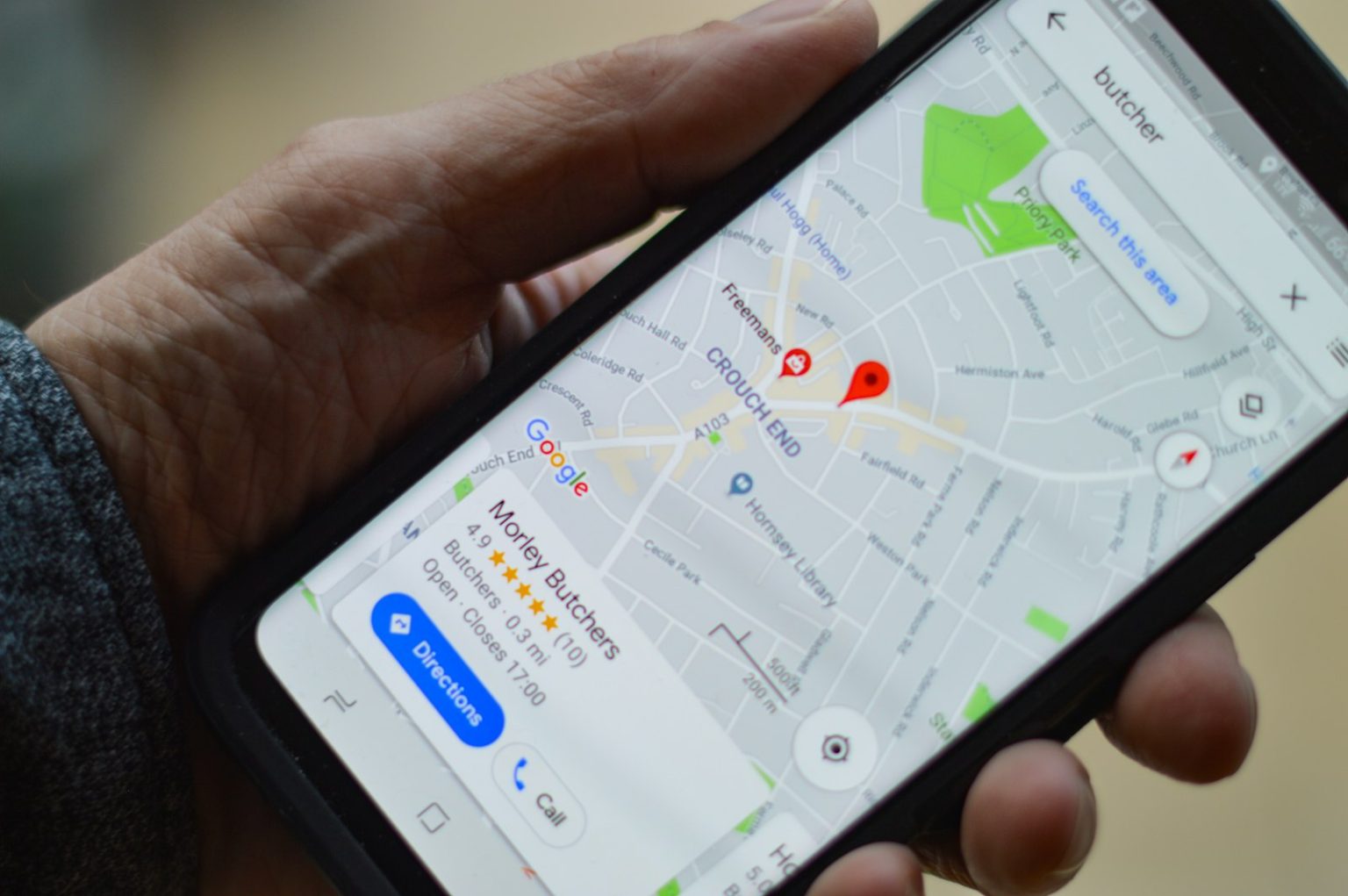
Getting listed on Google Maps is one of the most commercially impactful free actions available to any local business. When a potential client in Mornington searches “plumber near me” or “café Frankston,” Google Maps results appear prominently — often above the regular website results. A business that isn’t listed on Google Maps is invisible to this significant portion of local search traffic.
The process of getting listed is straightforward, but it requires a verification step that trips up many business owners. Here’s exactly how to do it, what to expect, and what to do once you’re verified.
Step 1: Create or Claim Your Google Business Profile
Go to business.google.com and sign in with the Google account you want to use to manage your business profile. Click “Add your business” and enter your business name. Google will search for existing listings — if your business already appears (auto-generated from other sources), click to claim it. If it doesn’t exist yet, click “Add your business to Google.”
Enter your business details: the category that most accurately describes your primary business activity, your address (for businesses with a physical location) or service area (for businesses that serve clients at their location), your phone number, and your website URL.
Step 2: Verify Your Business
Google requires verification to confirm you’re the legitimate owner of the business you’re claiming. Verification methods vary by business type and location:
Postcard verification — Google mails a postcard with a verification code to your business address. This typically takes five to fourteen business days. Enter the code in your GBP dashboard when it arrives.
Phone or email verification — For some business categories and established businesses, Google offers instant verification via a phone call, SMS, or email. This is faster but not available for all business types.
Video verification — A newer verification method where you record a short video showing your business premises, signage, and equipment. Increasingly used for trades businesses and service-area businesses.
Search Console verification — If your website is already verified in Google Search Console, you may be able to verify your GBP instantly by connecting the two accounts.
Step 3: Complete and Optimise Your Profile
Once verified, complete every available section of your profile. Incomplete profiles rank lower and convert fewer visitors than complete ones. The essential sections:
Full business description (750 characters — write for the human reader, include your primary services and what makes you different). Complete hours including special hours for public holidays. All applicable service categories. Services list with descriptions for each service. Photos — at minimum ten, covering your premises, team, and work. Questions and answers — add the most common questions you receive and answer them proactively.
Step 4: Start Collecting Reviews
Your Google Maps listing with zero reviews ranks lower and converts fewer visitors than one with consistent, genuine reviews. The fastest way to build review volume: from your GBP dashboard, copy the “Share review form” link and send it to every satisfied client after each completed job. A simple SMS — “Thanks so much for choosing us — would you mind leaving us a quick Google review? [link]” — converts at a surprisingly high rate when sent promptly after a positive interaction.
The Click Websites team has built and optimised Google Business Profiles for Peninsula businesses across dozens of categories. We connect GBP setup and optimisation to website strategy from the start — the two work together to produce the local search visibility that generates consistent enquiry. Get in touch to discuss your local search presence.
Frequently Asked Questions
How long does it take to appear on Google Maps after verification?
After successful verification, most businesses appear on Google Maps within a few days. Full visibility in local search results — including the map pack for relevant local queries — typically takes two to four weeks after verification, as Google needs to crawl and assess the profile quality before ranking it competitively. Active review collection and profile completion accelerate this initial ranking process.
Do I need a physical address to be listed on Google Maps?
No — service-area businesses (plumbers, electricians, cleaners, landscapers, mobile services) can be listed without a publicly displayed address. When creating your profile, select “I deliver goods and services to my customers” and define your service area by suburb, city, or postcode. Your home address (if used as your business address) can be entered for verification purposes without being publicly displayed on your Maps listing.
Can I have multiple Google Maps listings for the same business?
No — Google’s guidelines prohibit duplicate listings for the same business. Having multiple listings for the same business risks both listings being suspended. If you operate from multiple distinct physical locations, each location can have its own listing — but each must be a genuine, separately staffed and operated location, not just a second address added to expand geographic coverage.
What do I do if my Google Maps listing shows the wrong information?
Log into your Google Business Profile dashboard and edit the incorrect information directly. Changes to name, address, and phone number require re-verification in some cases — Google may send a new verification code or request video verification to confirm the change is legitimate. For urgent corrections (wrong phone number, wrong address), the verification process can still take several days, during which the incorrect information remains visible.
Why is my competitor appearing in the map pack but I’m not?
The most common reasons: incomplete profile (your competitor has filled in sections you haven’t), more reviews (review volume is a significant map pack ranking factor), better category match (your competitor’s primary category is a closer match to the search term), or a physical location closer to the searcher. Run through the full profile completion checklist, implement a systematic review collection process, and verify your primary category is the most specific and accurate available for your business type.
Should I use my personal Google account or create a business account for GBP?
Either works — GBP is tied to a Google account, not to a specific account type. However, using a business email address ([email protected]) rather than a personal Gmail address is preferable for professional credibility and for organisational continuity — if the person who set up the profile leaves the business, access is simpler to transfer when it’s attached to a business email address rather than an individual’s personal account.